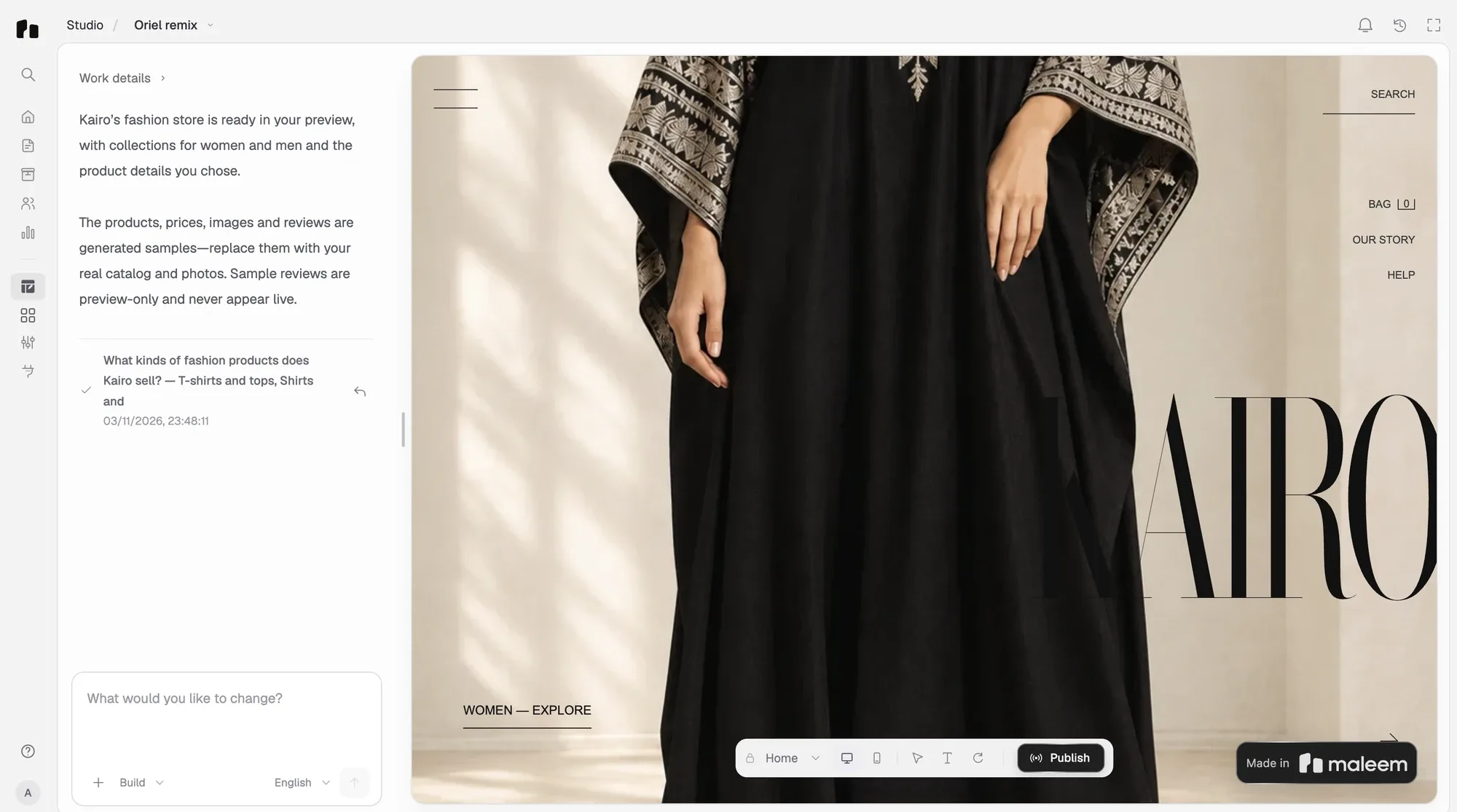
Build your store from one sentence
Describe what you sell and Maleem builds the pages, products and checkout, then publishes.
You don't fill in settings to start a store on Maleem. You describe the shop you run, the way you'd brief a designer, and Maleem builds it: the pages, your products, checkout with cash on delivery and delivery fees for every governorate. Then it publishes.
Watch it build
Before you start
All you need is a Maleem account. Have a sentence about your shop ready, and if you sell on Instagram or Shopify already, your profile or store link.
Build it in four steps
- 1Describe your store
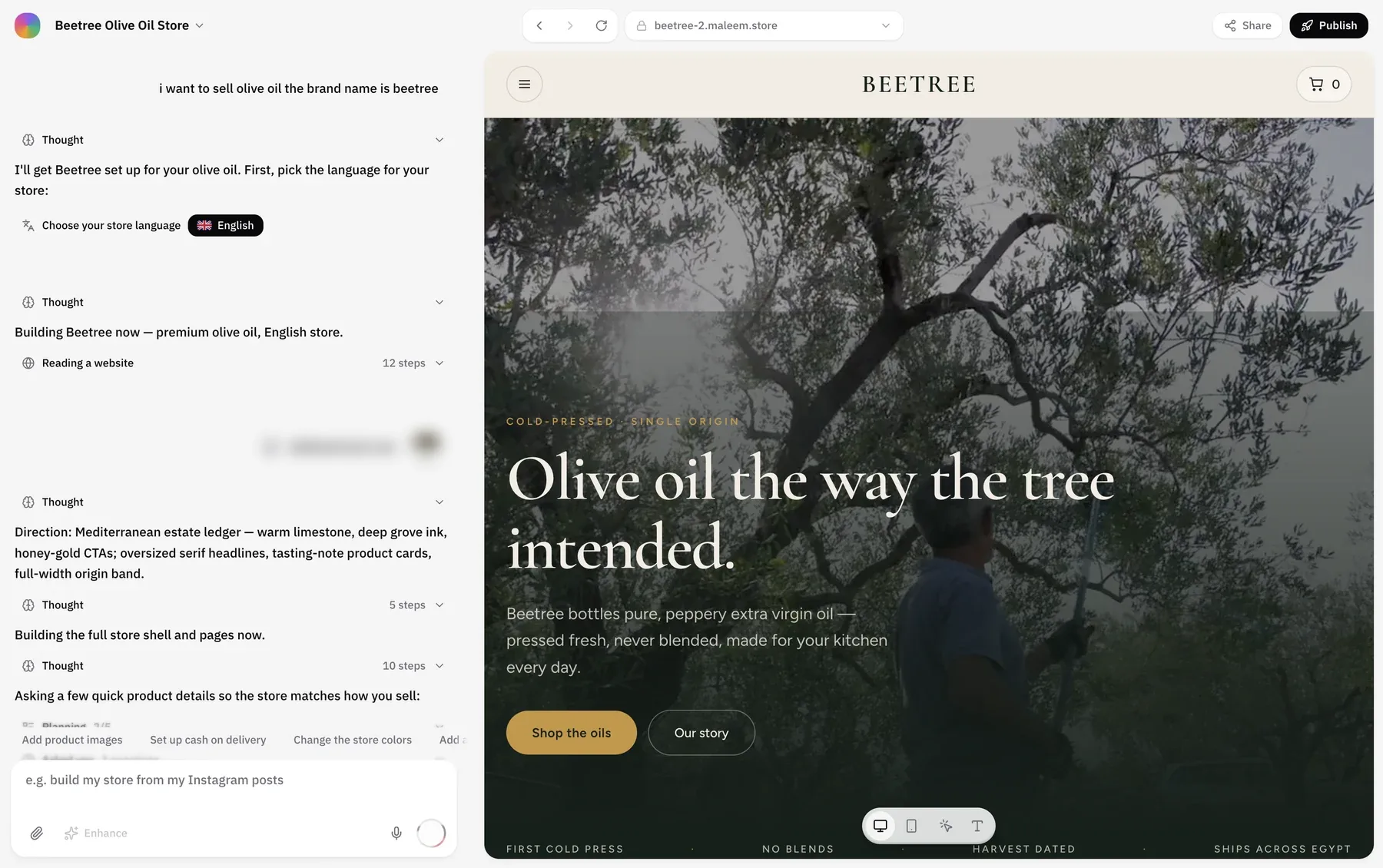
Open the builder and type your sentence in the box, in Arabic or English. Press send.
- 2Answer a few quick questions
Maleem asks what it needs to get the store right, starting with the language your store should be in, then a few details about what you sell.
- 3Watch it build
The chat shows each step as it happens: the direction for the look, the pages, the products. Your store appears on the right as it's built.
- 4Publish
When it looks right, press Publish. Your store goes live at its own address on maleem.store.
Start from what you have
A sentence is only one way in. If your products already live somewhere, start from there and Maleem brings them across.

Describe the shop and Maleem builds everything from your words, including sample products you replace with your own.
What gets built
| Part | What you get |
|---|---|
| Pages | A home page, product and collection pages, and checkout. |
| Products | From your sentence, your photos, your Instagram or your Shopify store. |
| Checkout | Cash on delivery, with each buyer's number verified by SMS. |
| Delivery | A delivery fee for each of Egypt's 27 governorates. |
| Orders | Every order confirmed with the buyer on WhatsApp. |
Change anything after
Nothing is final. Ask for a new banner, a new section or an Eid offer in the same chat, in Arabic or English, and it's live. You can also start from a template and keep shaping it the same way.